
Boosting My Development Workflow with Generative AI with a simple Script

GenAI-driven software development is revolutionizing the workflow of every software developer in the world. Tools such as GitHub Copilot do an amazing job of speeding up implementation by generating code while programming, often improving productivity by factors. We all leverage these tools daily, but for certain tasks, I find myself switching to a more general chatbot like ChatGPT. There are several reasons for this shift:
Variety of LLMs with Different Strengths: There is a wide array of LLMs available, each excelling in different areas. For instance, some LLMs perform better with specific programming languages than others. This variety allows me to select the best model for my needs.
Access to the Latest Algorithms: I want to use the most modern and advanced algorithms from LLM vendors such as OpenAI's latest models or Anthropic's Claude 3.5 to get the best results. These cutting-edge models are not yet integrated into IDE tools like GitHub Copilot, which means I have to interact with them directly.
Given the rapid pace of AI advancements, we are likely to be in this situation for a while. Therefore, it makes sense to have a streamlined approach to using these models outside of IDE integrations.
The Problem ShellPromptor Solves
Starting with a fresh LLM context (a new chat) for a task is always a good idea, but the new context is unaware of what you want to do—it could be anything from writing a poem to solving a complex coding issue. To perform well, the LLM needs all the relevant context. In our use case—solving a programming problem—we need to inform the model about:
Which programming language we are using.
What libraries should be considered.
How existing code looks, which might be reused.
This usually leads to a massive copy-and-paste exercise, which can be time-consuming and error-prone. Instead of repeatedly using cmd-c/cmd-v, I often utilize the macOS command pbcopy to streamline copying. pbcopy is a command-line utility that allows you to copy text directly to the system clipboard, making it quicker to prepare content for use in other applications. I discussed this approach in my post Leveraging pbcopy for Enhanced AI Interactions on macOS, and ShellPromptor takes this concept a step further.
What is ShellPromptor?
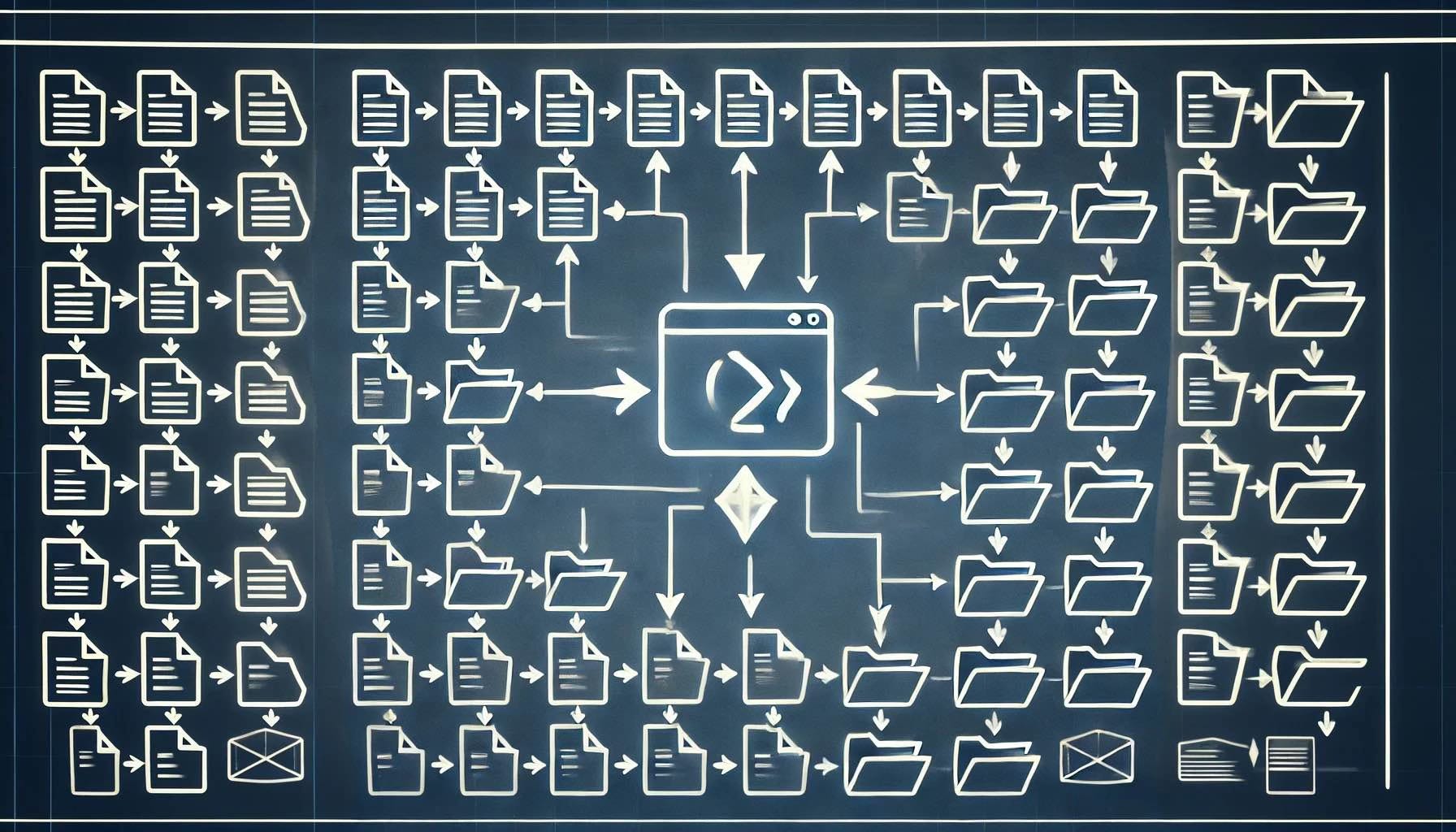
ShellPromptor is a simple shell script designed to streamline how I prime AI models with project-specific context. It's a script that grabs all the critical documentation, code, or related information I need, processes it, and puts it directly into my clipboard, ready to paste into an AI chatbot. This significantly reduces the time spent explaining the context, meaning I get more relevant answers faster.
The ShellPromptor script is available on my GitHub repository: https://github.com/thlandgraf/ShellPromptor. Feel free to clone it and modify it to suit your needs.
Here’s how ShellPromptor has transformed my programming experience:
1. Instant Context Sharing
I often find myself starting a new chat with a large language model (LLM) and needing it to understand the background before it can provide meaningful help. ShellPromptor allows me to instantly provide the LLM with all necessary files, descriptions, and code snippets. For instance, I can run:
./promptor project_overview
This command takes project_overview.md, along with any linked files, and copies it all to my clipboard. I paste it straight into the LLM, giving it all the context of my project—from key requirements to sample code—within seconds. No back-and-forth or repetitive explanations.
2. Intelligent Content Embedding and Recursive Inclusion
With ShellPromptor's capability to embed content from files referenced within a Markdown document, I no longer need to manually copy information scattered across multiple files. The script automatically resolves file:// or files:// links and recursively includes all relevant data. This ensures that all necessary information is gathered, creating a cohesive picture of my project for the AI. This is especially handy when I'm dealing with complex software that has various dependencies and interconnected modules.
3. Adaptive Prompt Splitting
One of the frequent challenges when using LLMs is dealing with input size limitations. ShellPromptor's automatic prompt splitting solves this problem seamlessly. If my project's documentation is extensive, the script breaks it into manageable chunks, ensuring that each part fits comfortably within the chatbot’s input limits. This means I don’t lose time figuring out where to cut my content—ShellPromptor handles that for me.
4. Faster Prompt Selection with Autocompletion
Another feature that has significantly sped up my workflow is ShellPromptor's Zsh autocompletion. When starting a prompt, I can quickly list and select Markdown files from my configured directories, making it incredibly easy to pick the right context without hunting for filenames. By adding a custom Zsh function, I can just press Tab and see all the available options, improving my efficiency.
5. Seamless Integration with Generative AI
The magic really happens when ShellPromptor prepares all this information, allowing me to effortlessly use AI models in a context-rich manner. I can ask the LLM to help refactor code, suggest implementation strategies, or even summarize project documentation—all without needing to manually provide context again and again. It feels like I’m collaborating with a colleague who’s always up to speed.
Example Workflow
Imagine I’m about to implement a new feature for my software project, but I need some fresh perspectives. Here's my typical workflow with ShellPromptor:
Prepare the Context: Run ShellPromptor on my project overview document:
./promptor feature_specification
The script collects all the necessary context—including code snippets and notes—and copies it to my clipboard.
Prime the AI: I start a new chat with the AI and paste the content directly. This primes the model to understand everything about my project before I even ask my question.
Get to the Core Problem: With the AI fully primed, I can ask something like, "How can I optimize the performance of the data aggregation module while ensuring memory efficiency?" Since the LLM already has the background, the suggestions are on point and immediately applicable.
Making AI Work Smarter, Not Harder
Generative AI is a fantastic tool, but it's only as effective as the input we provide it. ShellPromptor ensures that I’m feeding the AI the best possible context without wasting time on repetitive tasks. In a typical week, I’ve saved hours that would have otherwise gone to manually collecting and explaining the project details over and over again.
Integration in ZSH Auto-Complete
Since I love to speed up my work and Zsh is my daily driver, I added an autocomplete script to make ShellPromptor even more efficient. With the autocomplete script, you can simply type "promptor" in the CLI and use the Tab key to quickly browse through all available project options. This feature lists the Markdown files in your configured directories, allowing you to select the desired file effortlessly without having to remember exact filenames. This integration saves time and further optimizes the workflow, often cutting down prompt selection time by several minutes, making it a seamless part of my development routine.
Wrapping Up
Leveraging ShellPromptor alongside generative AI has made my coding sessions more productive, insightful, and enjoyable. The friction of "teaching" an AI every time I start a new conversation is gone—instead, I get instant, relevant help with minimal effort.
If you're working with LLMs regularly and often find yourself repeating context, I highly recommend giving ShellPromptor a try. It’s open source and easy to set up, and it might just change how you use generative AI in your day-to-day development.